/computer-chart-paper · classroom
Computer chart paper: desktop parts, network and robot
Make your ownComputer chart paper
Describe yours. We'll remake the whole pack your way.
More like this
the whole catalog →
every sample — three subjects, three styles ↓
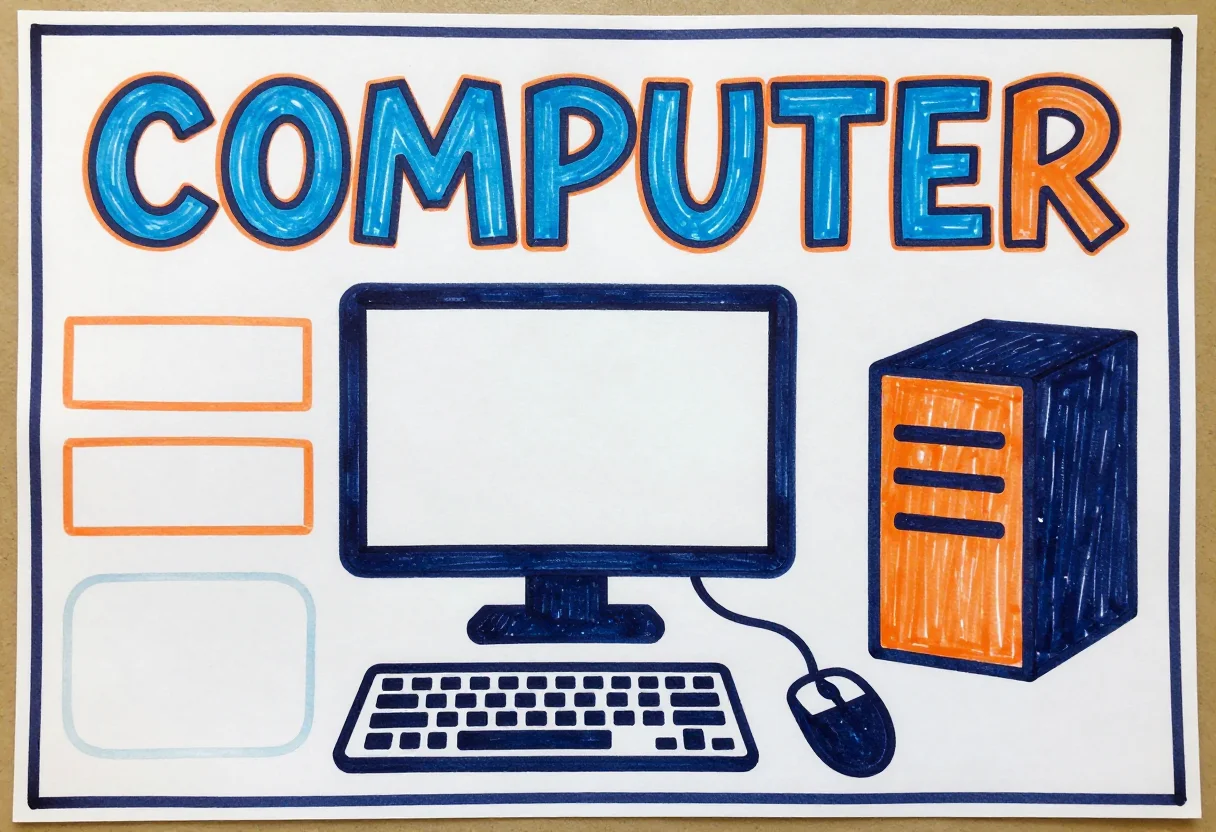
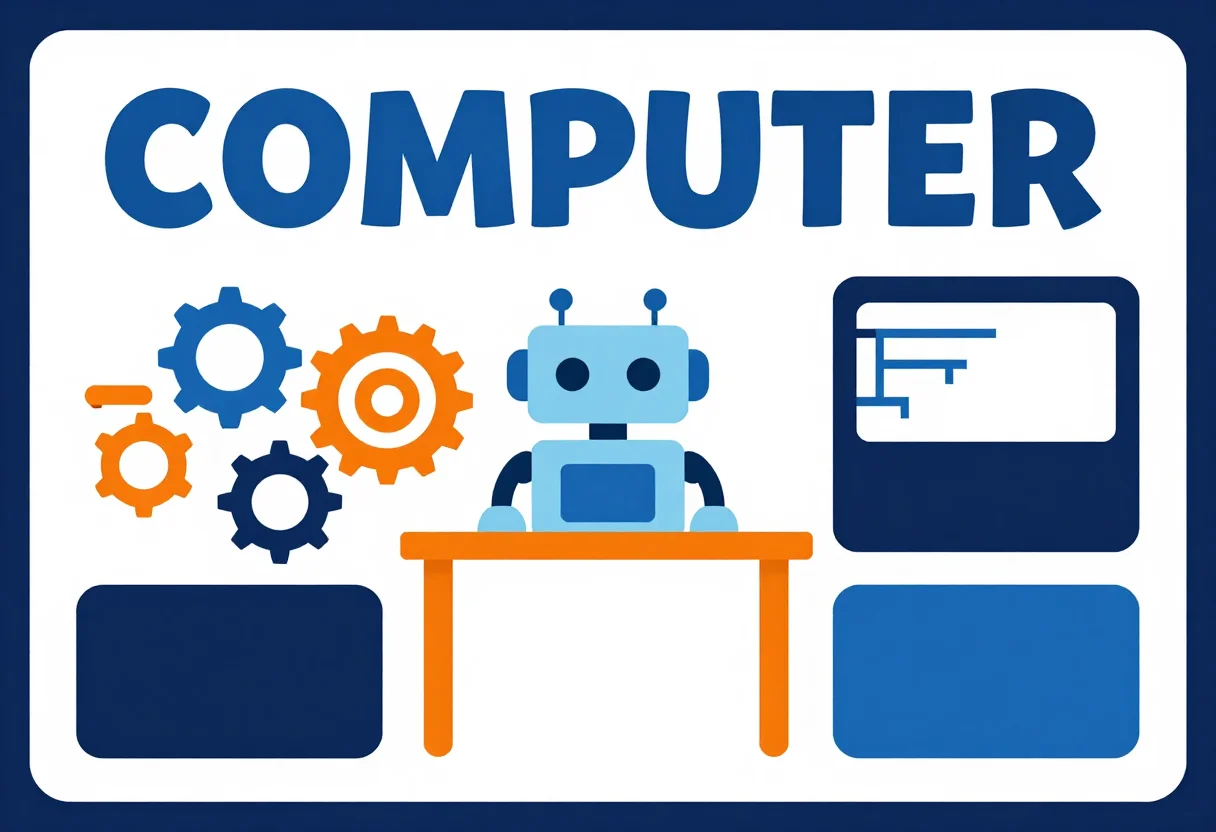
Chart papers for a computer class project, decorated by students and teachers to pin on the classroom wall or carry to assembly: a monitor, keyboard, mouse and CPU tower drawn large, laptops, phones and a cloud linked by glowing lines, and a friendly robot. The heading reads Computer and the centre is left open for the class's notes. Type a different subject or a twist, such as AI brain or internet, and the same three styles carry it.
- chart for a computer class project
- classroom wall display for an IT lesson
- chart on the uses of a computer
- group project for a class
Frequently asked questions
- What is on each chart?
- A monitor, keyboard, mouse and CPU tower, laptops and phones linked to a cloud, or a friendly robot, each under a Computer heading.
- What is the difference between the three styles?
- Crayon hand-drawn uses wobbly marker and crayon outlines on visible paper grain, cut-paper collage uses layered coloured paper, and clean printable is a flat version on white.
- Can I ask for a different design?
- Yes. Type a subject or a twist and the same three styles carry it, though a request is not a promised result.
- Is there room for the class to write?
- The centre of each chart is left open for notes, and the heading is the only printed text.
- Are these photographs?
- No. All nine are flat illustrations seen straight on, with no mockup, hands or desk around them.
About toile
This page is a showcase and a starting point: nine samples already rendered, three readings of the pack crossed with three styles, each shown at the size and ratio it was made for. Take any of them further on the wall with a few words, or ask for all nine again under your own direction; a sign-in keeps what you make, and it is free while Toile is new. The recipe behind each sample — the subject, the style, the palette, the framing — travels with the image rather than staying private to the render: it is in the alt text of every sample and in the page's own structured data, so a search engine reads the same handles a person would.