/highlight-placement-charts · beauty
Highlight placement chart: points on the face, by face shape, blank chart
Make your ownHighlight placement charts
Describe yours. We'll remake the whole pack your way.
More like this
the whole catalog →

every sample — three subjects, three styles ↓
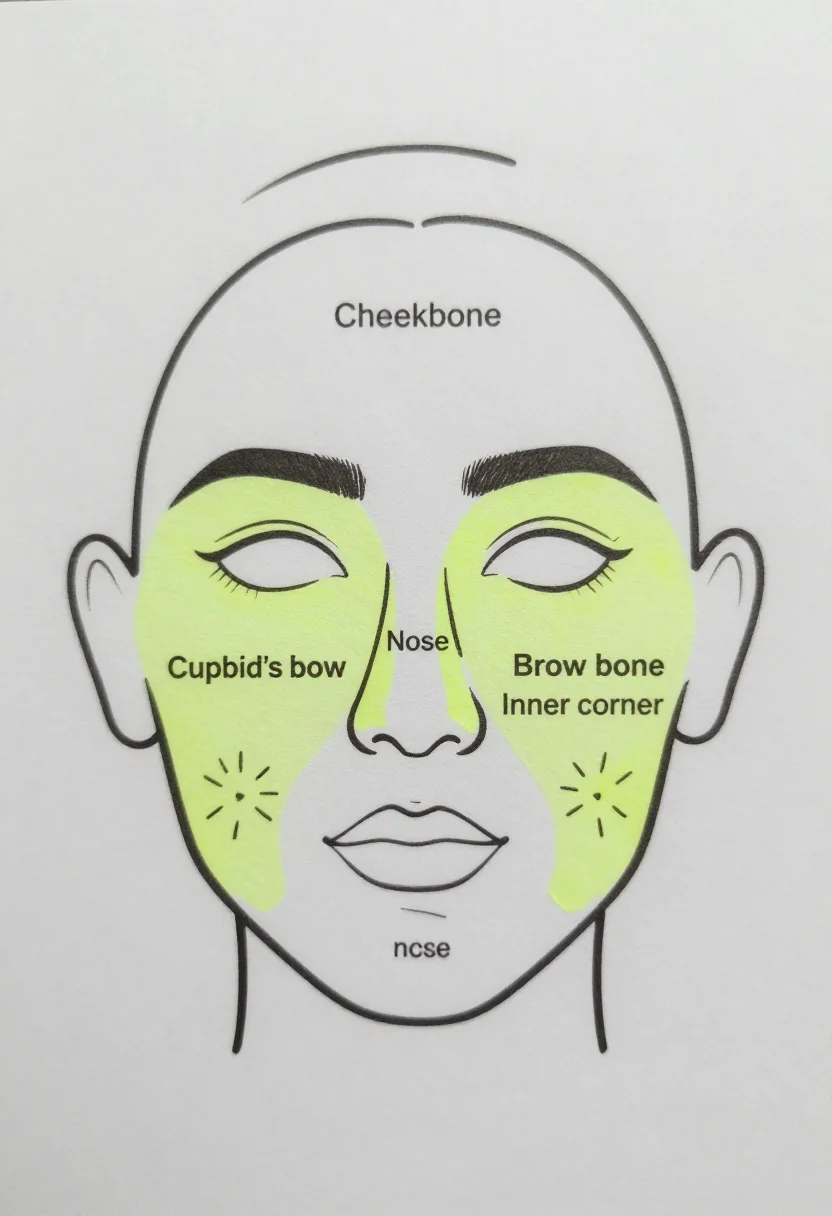
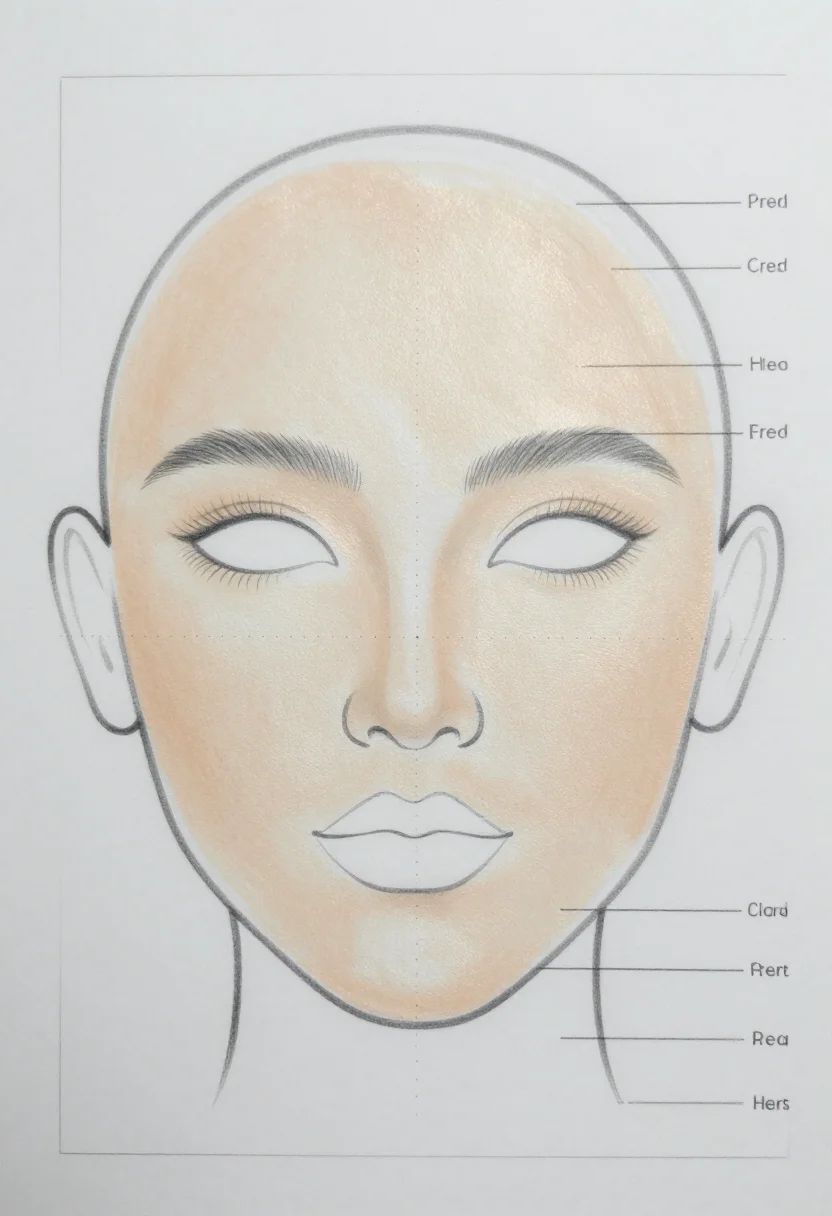
A highlight placement chart shows where highlighter catches the light on a face. Makeup learners use it to see the points for their face shape. The nine pictures show face outlines with the highlight points marked (cheekbone, nose, cupid's bow, brow bone and inner corner), the points for four face shapes, and a blank chart. Type a different subject or twist, such as glass skin, and the page asks for it in the same three styles.
- finding where highlighter goes on your face
- learning the highlight points for your face shape
- a blank chart to note the products you use
- a handout for a beginner makeup lesson
Frequently asked questions
- Can I print them?
- Yes. They are drawn charts with labels, not photographs, so they print as reference sheets.
- Which points are marked?
- The highlight picture marks the cheekbone, the nose, the cupid's bow, the brow bone and the inner corner of the eye, each labelled.
- What is the difference between the styles?
- Line chart draws each highlight zone as a small starburst of lines. Soft tint washes the zones in pale gold on a light beige face. Artist face chart is a pencil drawing with the highlight blended in as a soft sheen.
- Can I ask for a different subject?
- Yes. Type a direction, such as nose highlight, and the page asks for that subject in the same three styles. It is a request, not a guaranteed result.
About toile
This page is a showcase and a starting point: nine samples already rendered, three readings of the pack crossed with three styles, each shown at the size and ratio it was made for. Take any of them further on the wall with a few words, or ask for all nine again under your own direction; a sign-in keeps what you make, and it is free while Toile is new. The recipe behind each sample — the subject, the style, the palette, the framing — travels with the image rather than staying private to the render: it is in the alt text of every sample and in the page's own structured data, so a search engine reads the same handles a person would.