/project-planners · planner
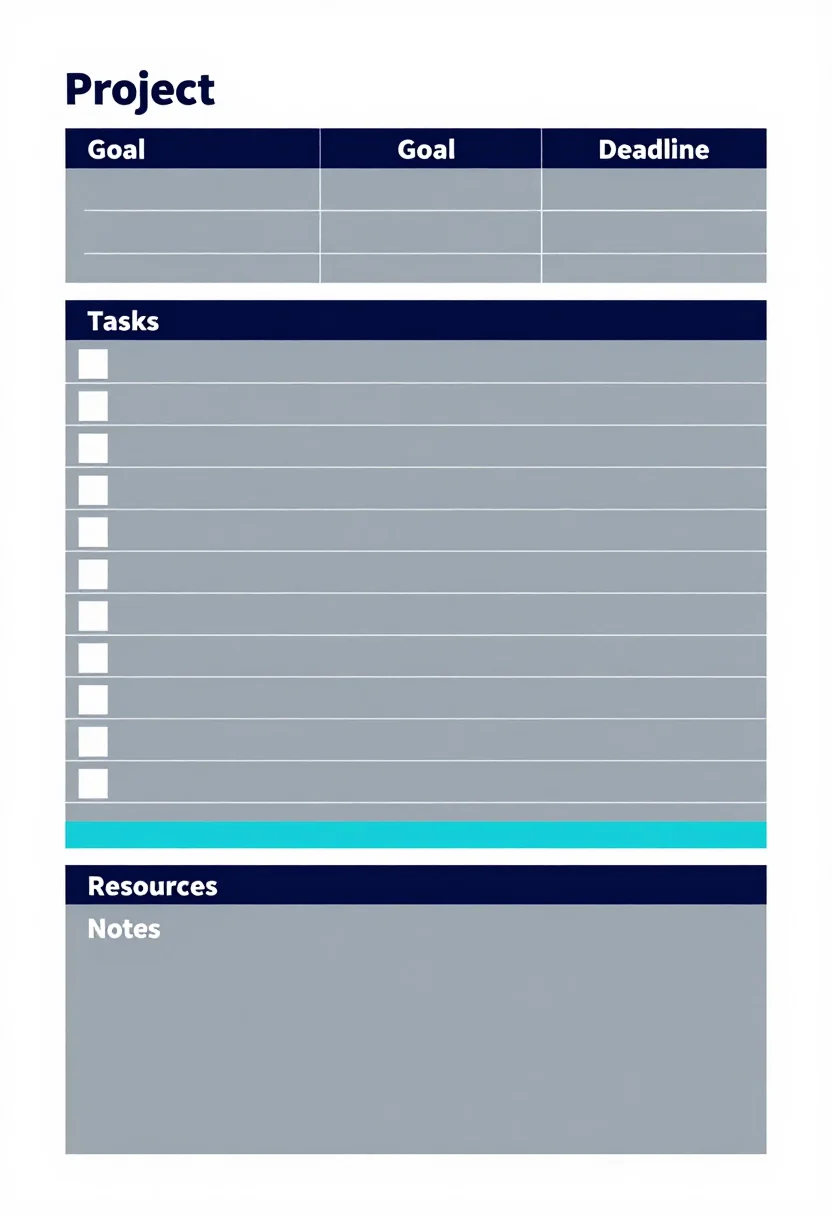
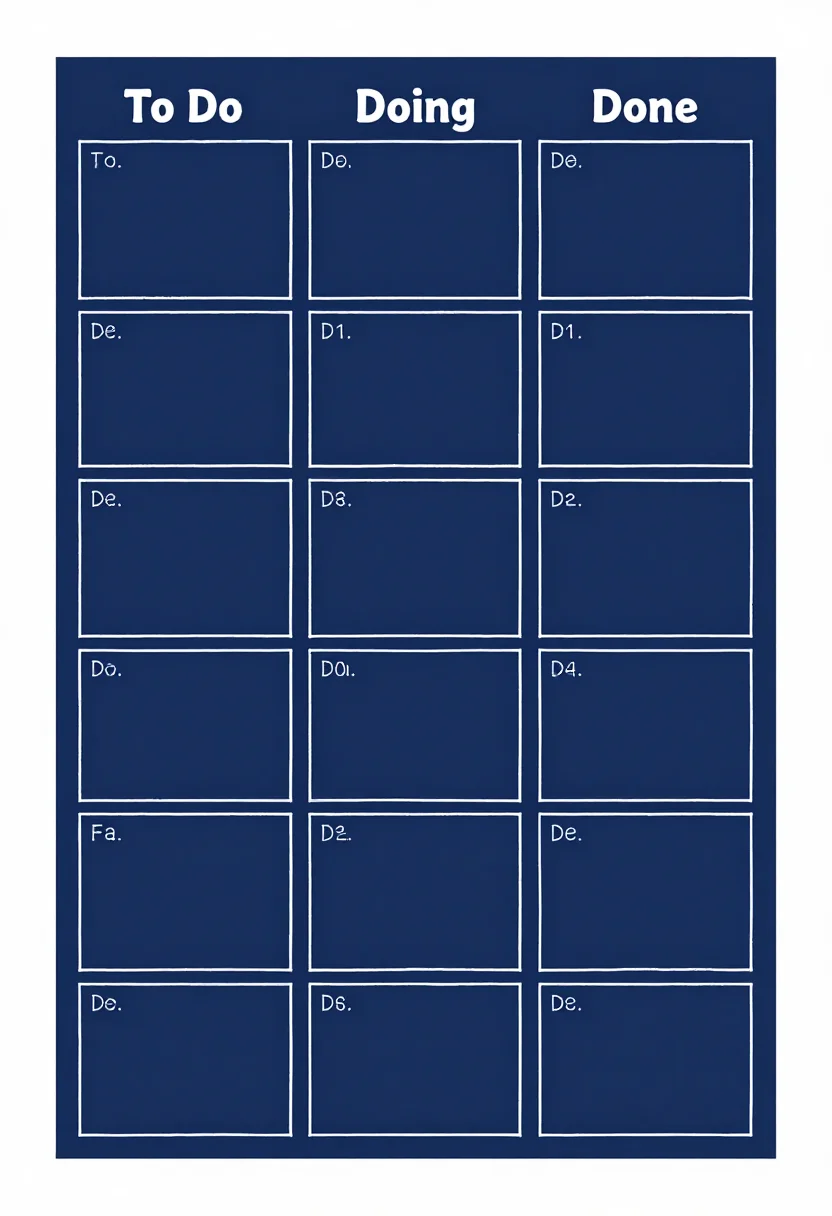
Project planner: one-page plan, Gantt chart, task board
Make your ownProject planners
Describe yours. We'll remake the whole pack your way.
More like this
the whole catalog →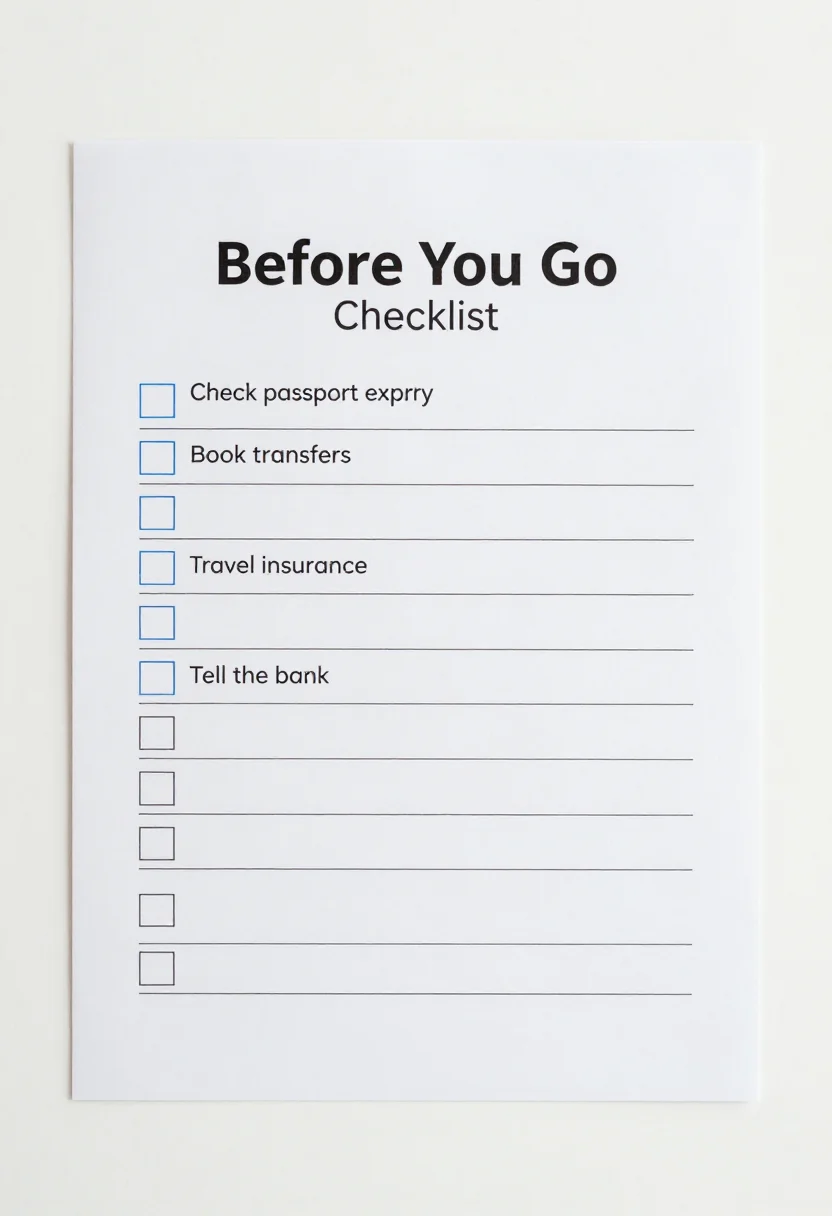
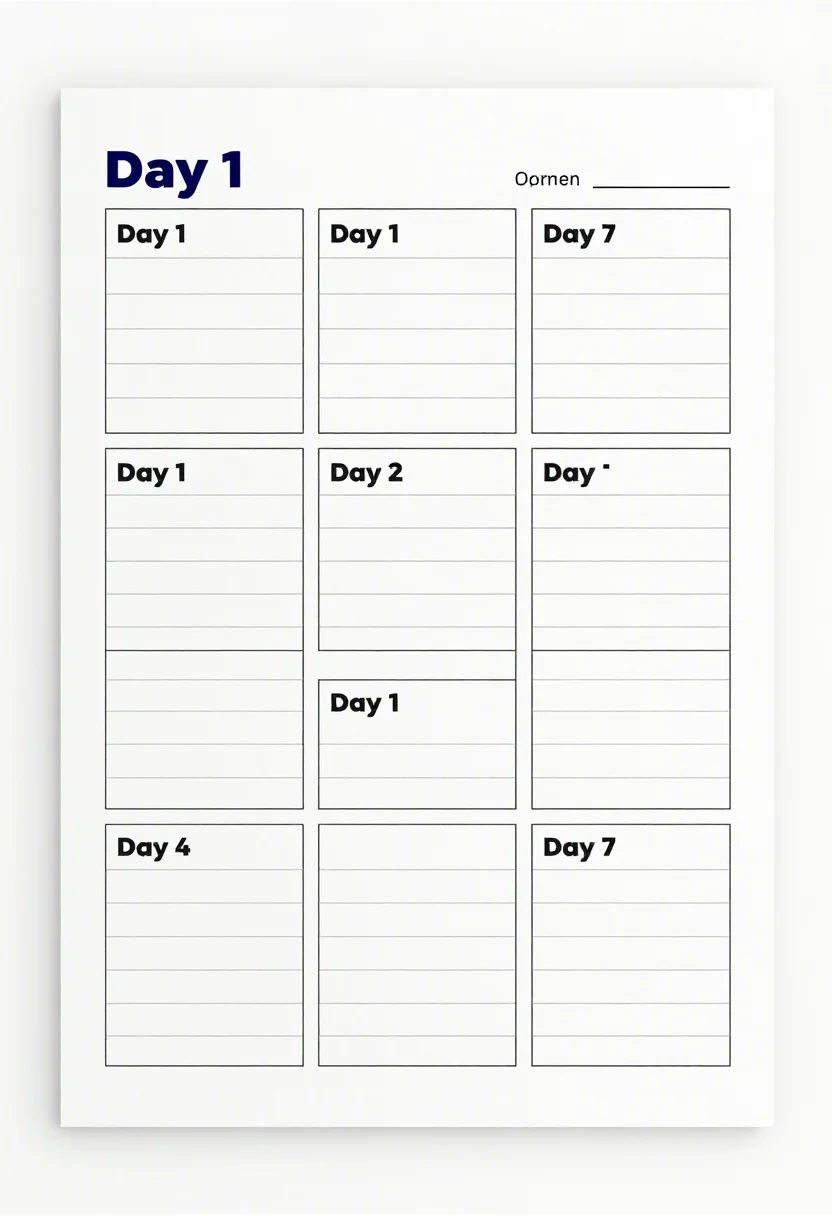
every sample — three subjects, three styles ↓
A project planner lays out a project's tasks, owners and deadlines on paper before the work starts. These nine show three views of one project: a one-page plan with boxes for project, goal, deadline, tasks, resources and notes, a simple Gantt chart with twelve blank task rows over twelve weeks, and a task board with To Do, Doing and Done columns. Type a direction, such as for students or team of five, and the planners follow it.
- a school project plan
- a freelance job's timeline
- a small team's task board
- a one-page brief
Frequently asked questions
- What is on the Gantt chart?
- Twelve blank task rows down the left and twelve week columns, W1 to W12, with empty cells to shade.
- What is the difference between the three styles?
- Corporate has a crisp header bar and thin table rules. Colour coded has a tinted header for each section and rounded cards. Blueprint is a technical drawing sheet with fine white grid lines.
- Can I change the project?
- Yes. Type a direction such as red accents. A direction is a request, not a guaranteed result.
About toile
This page is a showcase and a starting point: nine samples already rendered, three readings of the pack crossed with three styles, each shown at the size and ratio it was made for. Take any of them further on the wall with a few words, or ask for all nine again under your own direction; a sign-in keeps what you make, and it is free while Toile is new. The recipe behind each sample — the subject, the style, the palette, the framing — travels with the image rather than staying private to the render: it is in the alt text of every sample and in the page's own structured data, so a search engine reads the same handles a person would.