/google-docs-templates · office
Google Docs templates: report cover, newsletter, lesson plan
Make your ownGoogle Docs templates
Describe yours. We'll remake the whole pack your way.
More like this
the whole catalog →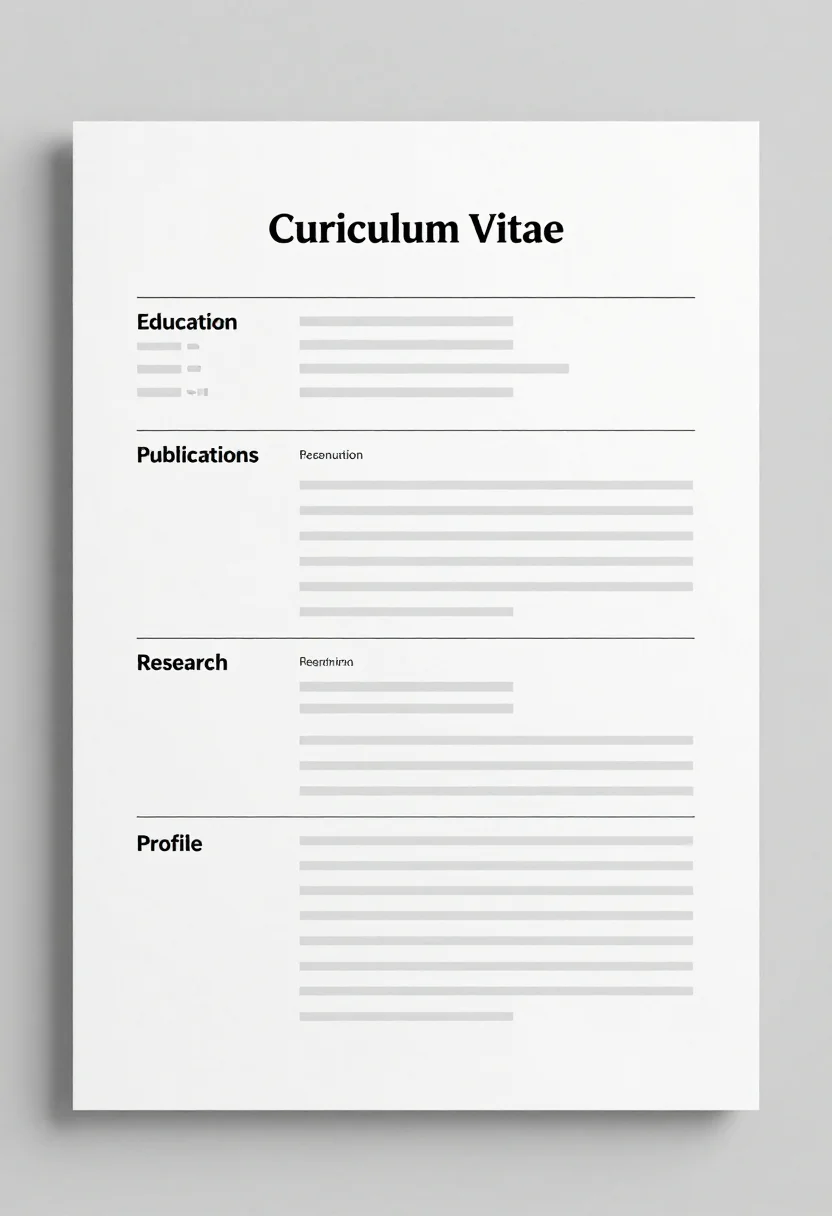
every sample — three subjects, three styles ↓
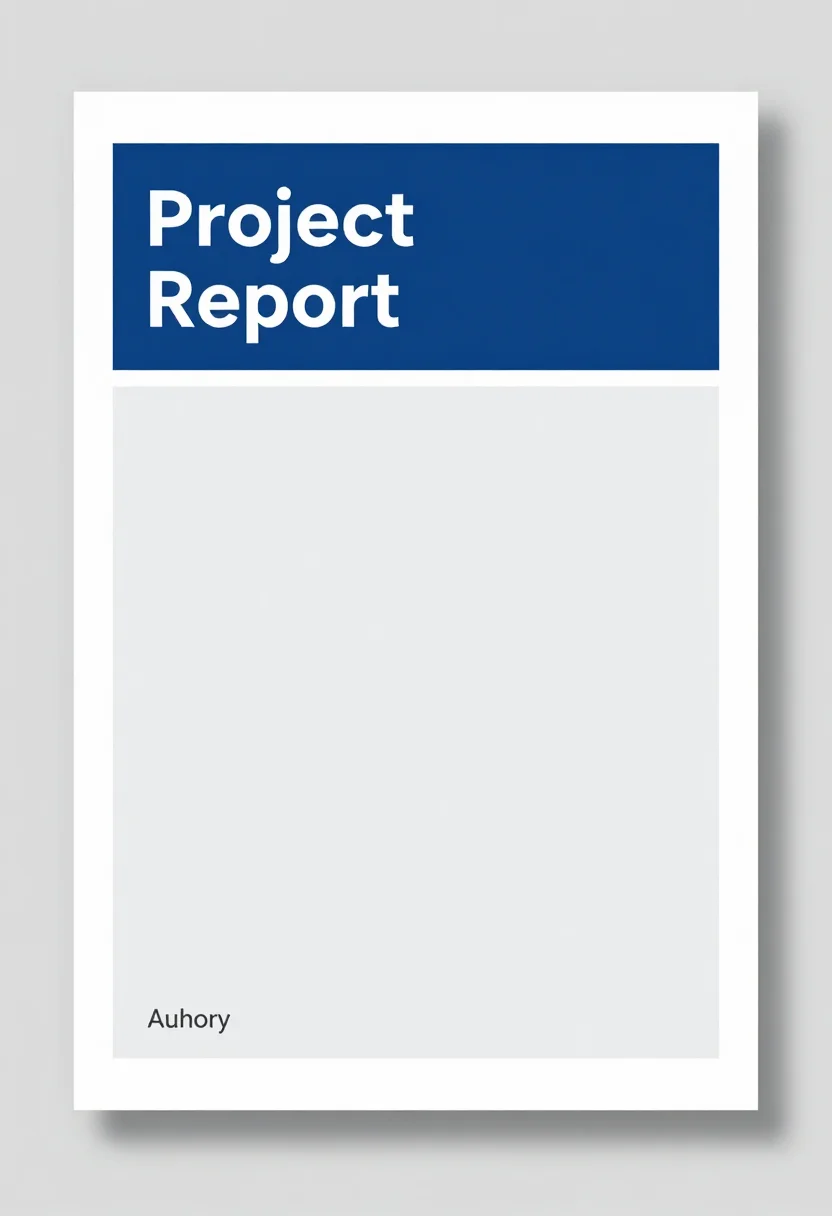
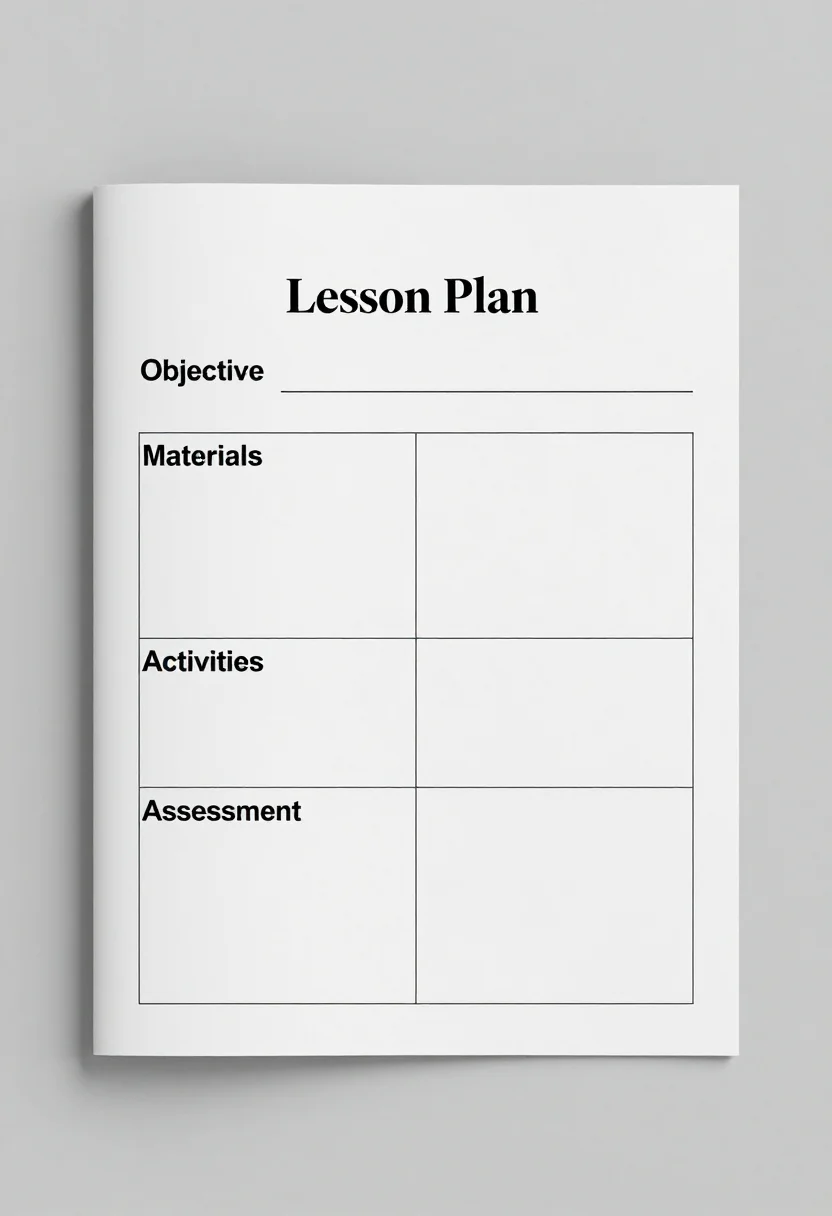
Students, teachers and small teams want a layout they can rebuild in a shared online word processor. These nine pages show a report cover with a colour block and a short author and date line, a two-column newsletter with a masthead and two picture boxes, and a lesson plan with empty boxes for objectives, materials, activities and assessment. Each comes in clean blue, soft pastel or editorial style. Type a request, such as for school, to shape it.
- a school report cover page
- a class or club newsletter
- a weekly lesson plan for a teacher
- a small team's document template
Frequently asked questions
- Can I open these in Google Docs?
- They are page images, not document files, so you rebuild the layout by hand in your word processor.
- What does the newsletter page show?
- A two-column page with the masthead Newsletter, two picture boxes and short grey placeholder lines in each column.
- What is the difference between the styles?
- Clean blue has blue headings and light grey boxes, soft pastel uses peach, mint and lilac boxes, and editorial uses black type with one red accent.
About toile
This page is a showcase and a starting point: nine samples already rendered, three readings of the pack crossed with three styles, each shown at the size and ratio it was made for. Take any of them further on the wall with a few words, or ask for all nine again under your own direction; a sign-in keeps what you make, and it is free while Toile is new. The recipe behind each sample — the subject, the style, the palette, the framing — travels with the image rather than staying private to the render: it is in the alt text of every sample and in the page's own structured data, so a search engine reads the same handles a person would.