/internet-safety-posters · classroom
Internet safety posters: a child protected online, six online rules, a strong password
Make your ownInternet safety posters
Describe yours. We'll remake the whole pack your way.
More like this
the whole catalog →
every sample — three subjects, three styles ↓
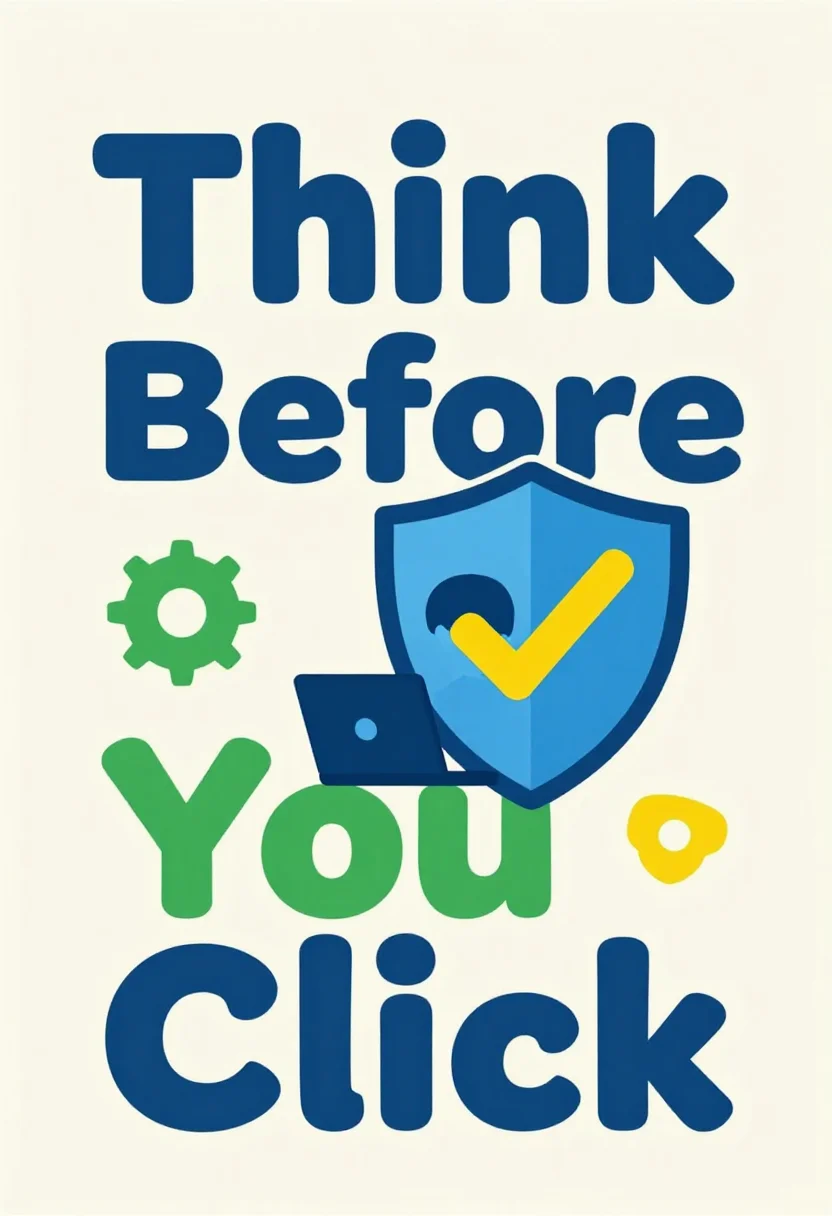
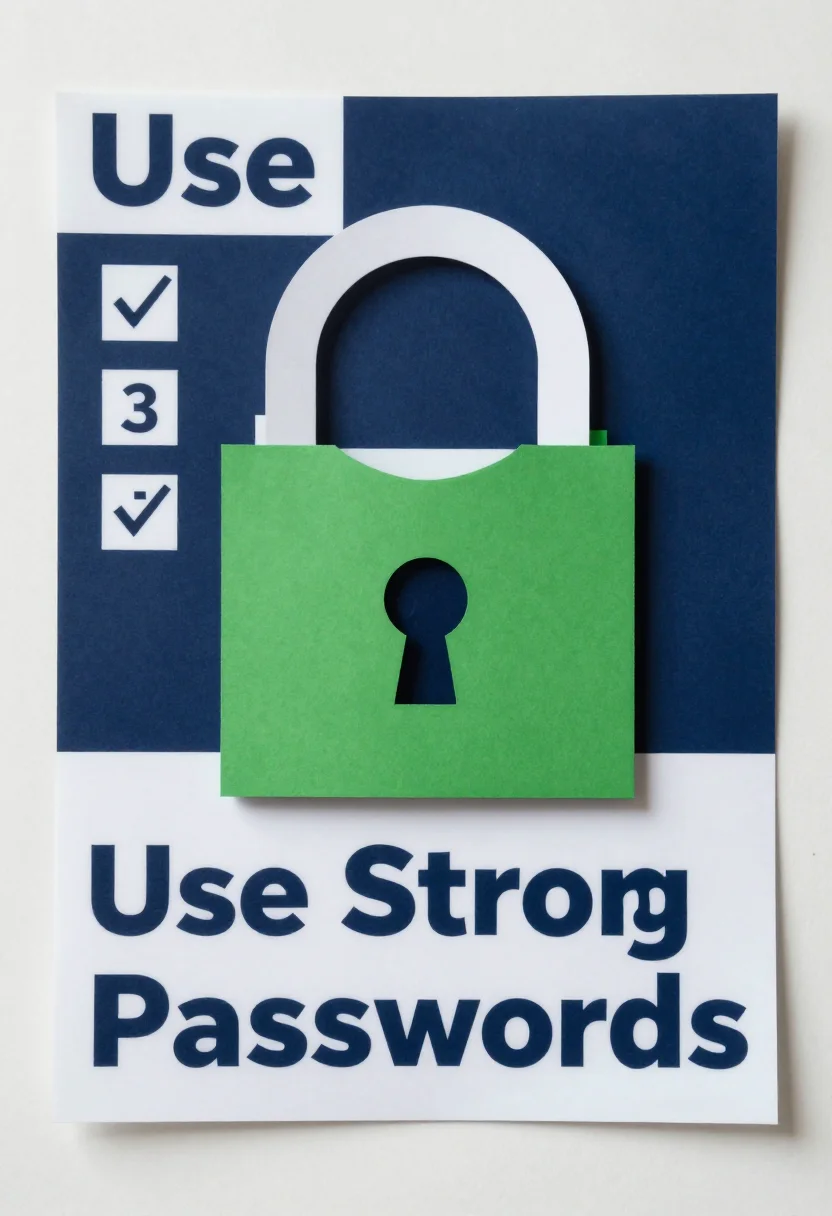
Internet safety posters for Safer Internet Day and computer classes. The nine pictures show a child at a laptop protected by a large blue shield under the slogan Think Before You Click, a poster titled Stay Safe Online with six icon tiles, and a large padlock on a screen with three ticks under the line Use Strong Passwords. Each idea comes in three styles. Type a twist with your request, such as cartoon style, chat apps or for kids.
- a computer class wall
- a Safer Internet Day display
- a school library screen
- a home computer corner
Frequently asked questions
- What do the nine pictures show?
- Three ideas in three styles: a child protected by a shield, a poster of six online rules, and a strong password lock.
- Which online rules are on the icon poster?
- The poster titled Stay Safe Online has six icon tiles captioned Keep it private, Be kind, Don't meet strangers, Tell an adult, Check before you share and Log out.
- Can I ask for a different twist?
- Yes, add it to your request, such as cartoon style or chat apps; the sample shows one version of that request.
- Are the slogans exact?
- The slogans are set as quoted, with no other lettering in the picture; check every word against your own text before you print.
About toile
This page is a showcase and a starting point: nine samples already rendered, three readings of the pack crossed with three styles, each shown at the size and ratio it was made for. Take any of them further on the wall with a few words, or ask for all nine again under your own direction; a sign-in keeps what you make, and it is free while Toile is new. The recipe behind each sample — the subject, the style, the palette, the framing — travels with the image rather than staying private to the render: it is in the alt text of every sample and in the page's own structured data, so a search engine reads the same handles a person would.