/presentation-backgrounds · screens
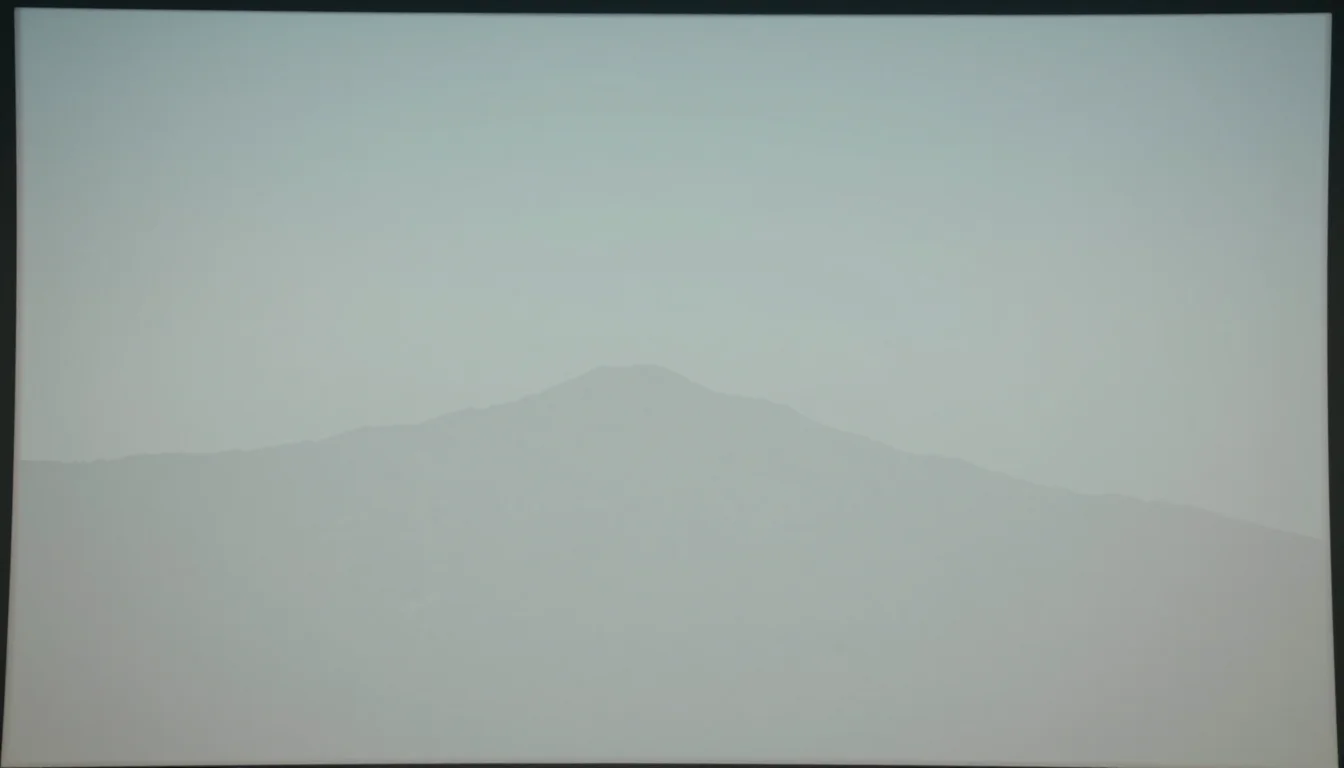
Slide background: corner shape, subtle grid, photo panel

Make your ownPresentation backgrounds
Describe yours. We'll remake the whole pack your way.
More like this
the whole catalog →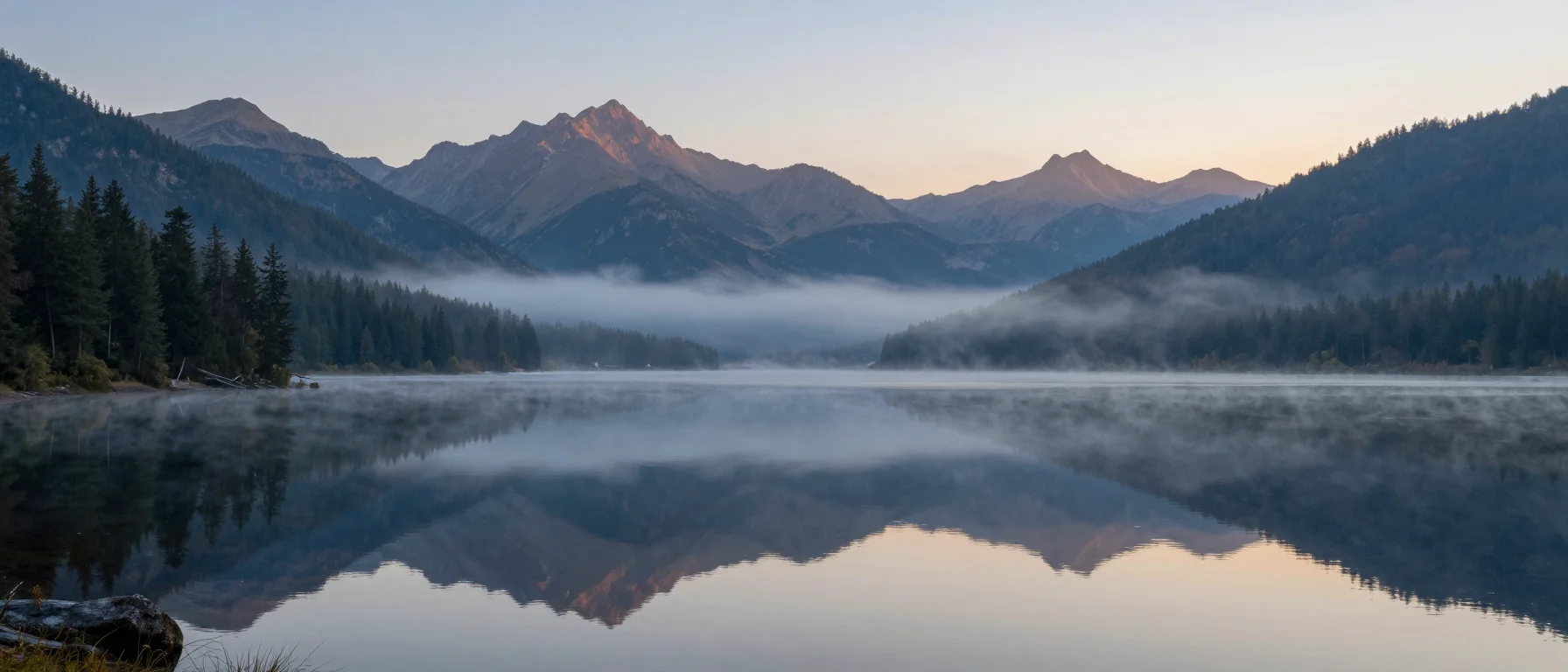
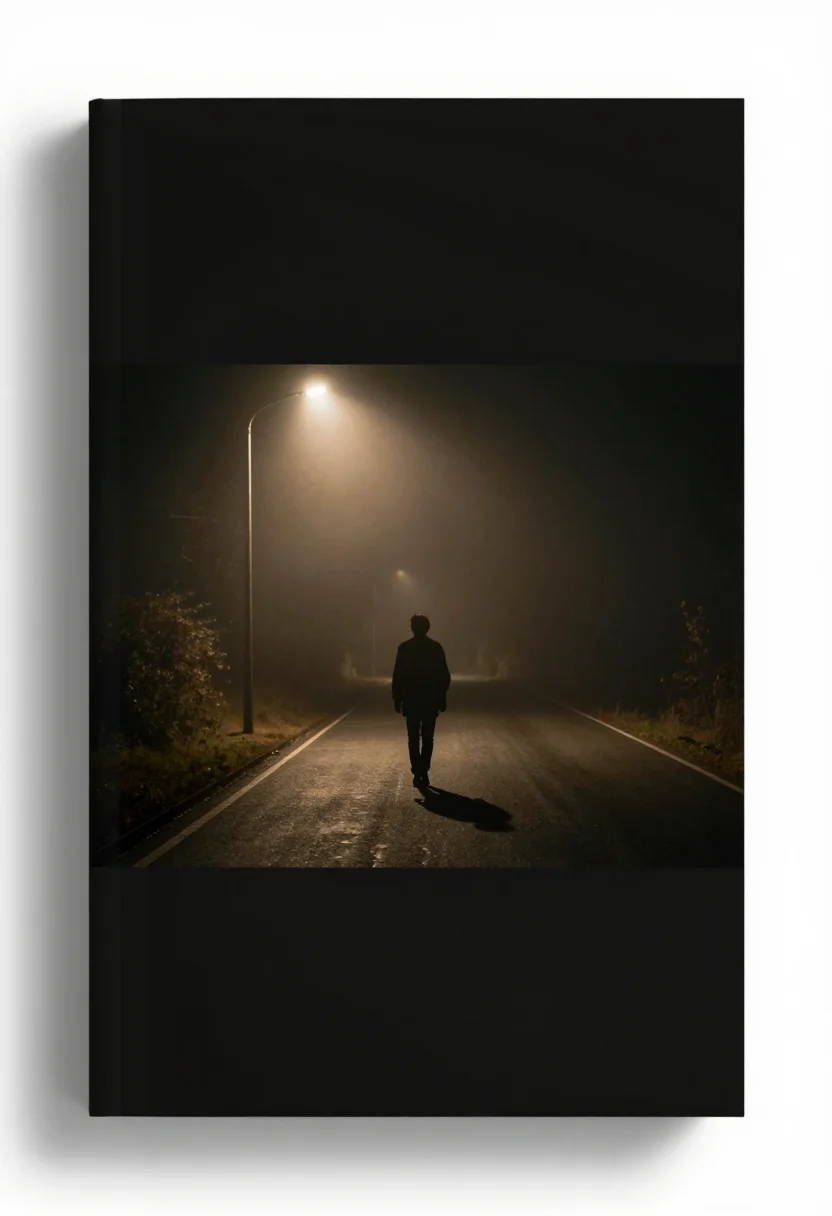


every sample — three subjects, three styles ↓
A slide background has to sit behind text on every slide of a deck, so it can't compete with it — a large clear area is non-negotiable. These nine set a corner shape on a gradient, a subtle geometric grid, and a muted photo with a translucent panel, each as flat, gradient and photo, none of them carrying any lettering of their own. Ask for a different palette and the same clear layout carries it.
- a PowerPoint or Keynote slide background
- a Google Slides template background
- a corporate deck cover slide
- a webinar or pitch-deck background
Frequently asked questions
- Is there room to add my own title and body text?
- Yes — every background leaves a large, low-contrast clear area specifically for text, and none of them carry any lettering of their own.
- What format do these come in for PowerPoint or Keynote?
- Each background renders as a standard widescreen image, ready to set as a full-bleed slide background in PowerPoint, Keynote or Google Slides.
- Can I request a different color palette to match my brand?
- Yes — the direction field takes any palette or accent color, and the same three styles — flat, gradient, photo — render it.
- What's the difference between the three styles?
- Flat is a matte background with one accent shape; gradient is a smooth soft-shape fade; photo is a muted photograph under a translucent text panel.
About toile
This page is a showcase and a starting point: nine samples already rendered, three readings of the pack crossed with three styles, each shown at the size and ratio it was made for. Take any of them further on the wall with a few words, or ask for all nine again under your own direction; a sign-in keeps what you make, and it is free while Toile is new. The recipe behind each sample — the subject, the style, the palette, the framing — travels with the image rather than staying private to the render: it is in the alt text of every sample and in the page's own structured data, so a search engine reads the same handles a person would.