/zoom-backgrounds · screens
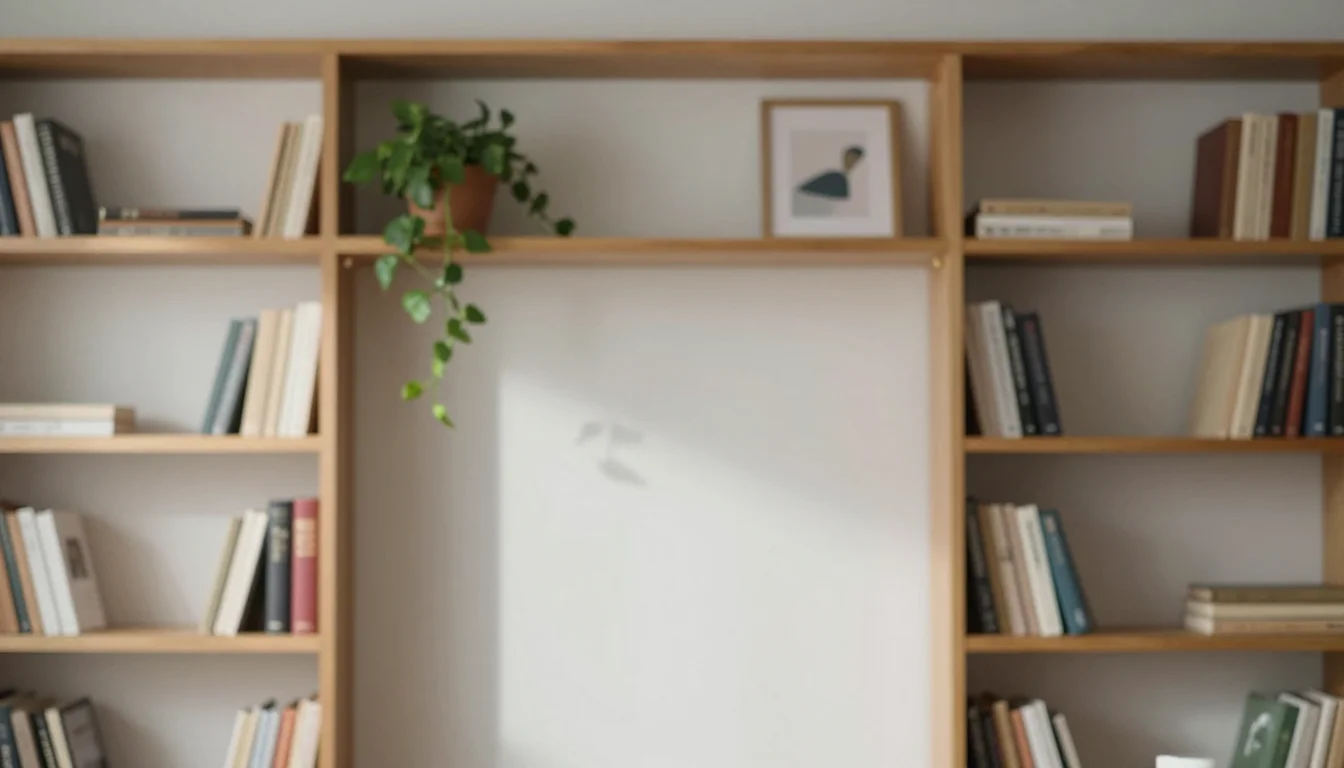
Zoom background: bookshelf office, bright loft, blurred café

Make your ownVideo call backgrounds
Describe yours. We'll remake the whole pack your way.
More like this
the whole catalog →



every sample — three subjects, three styles ↓
A virtual background only works if the wall behind your head stays plain and the setting reads instantly — a tidy office, a bright loft, a blurred café. These nine set exactly that, each as a photo-real, painted or flat take, with the centre left clear so you read against it, not the room. Ask for a different setting and the same clear centre carries it.
- a Zoom, Teams or Meet virtual background
- a professional-looking home office backdrop
- a casual café or loft video call background
- a matching background for a team's calls
Frequently asked questions
- Will I read clearly against the background, or will it look busy?
- Every background keeps the centre — where your head and shoulders sit — plain and uncluttered, so you read clearly against it.
- Does this work with Zoom's virtual background feature?
- Yes — each image is a standard widescreen background image, ready to upload directly as a Zoom, Teams or Meet virtual background.
- Can I request a different setting, like a plant-filled studio or a boardroom?
- Yes — the direction field takes any setting, and the same three styles — photo-real, painted, flat — render it.
- What's the difference between the three styles?
- Photo-real is a photographic interior with shallow depth of field; painted is a softly illustrated interior; flat is simplified vector shapes in a muted palette.
About toile
This page is a showcase and a starting point: nine samples already rendered, three readings of the pack crossed with three styles, each shown at the size and ratio it was made for. Take any of them further on the wall with a few words, or ask for all nine again under your own direction; a sign-in keeps what you make, and it is free while Toile is new. The recipe behind each sample — the subject, the style, the palette, the framing — travels with the image rather than staying private to the render: it is in the alt text of every sample and in the page's own structured data, so a search engine reads the same handles a person would.