/expense-trackers · planner
Expense tracker: daily spending log, monthly budget, no-spend calendar
Make your ownExpense trackers
Describe yours. We'll remake the whole pack your way.
More like this
the whole catalog →
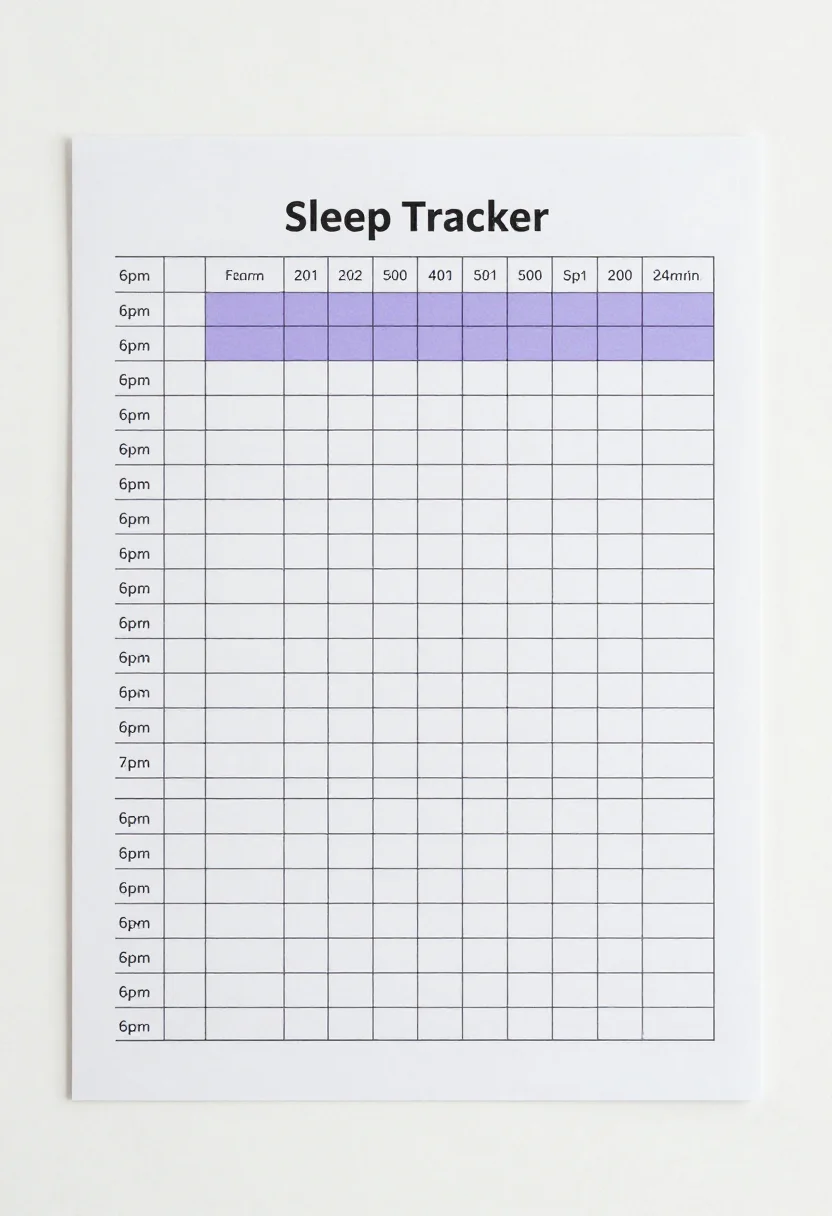
every sample — three subjects, three styles ↓
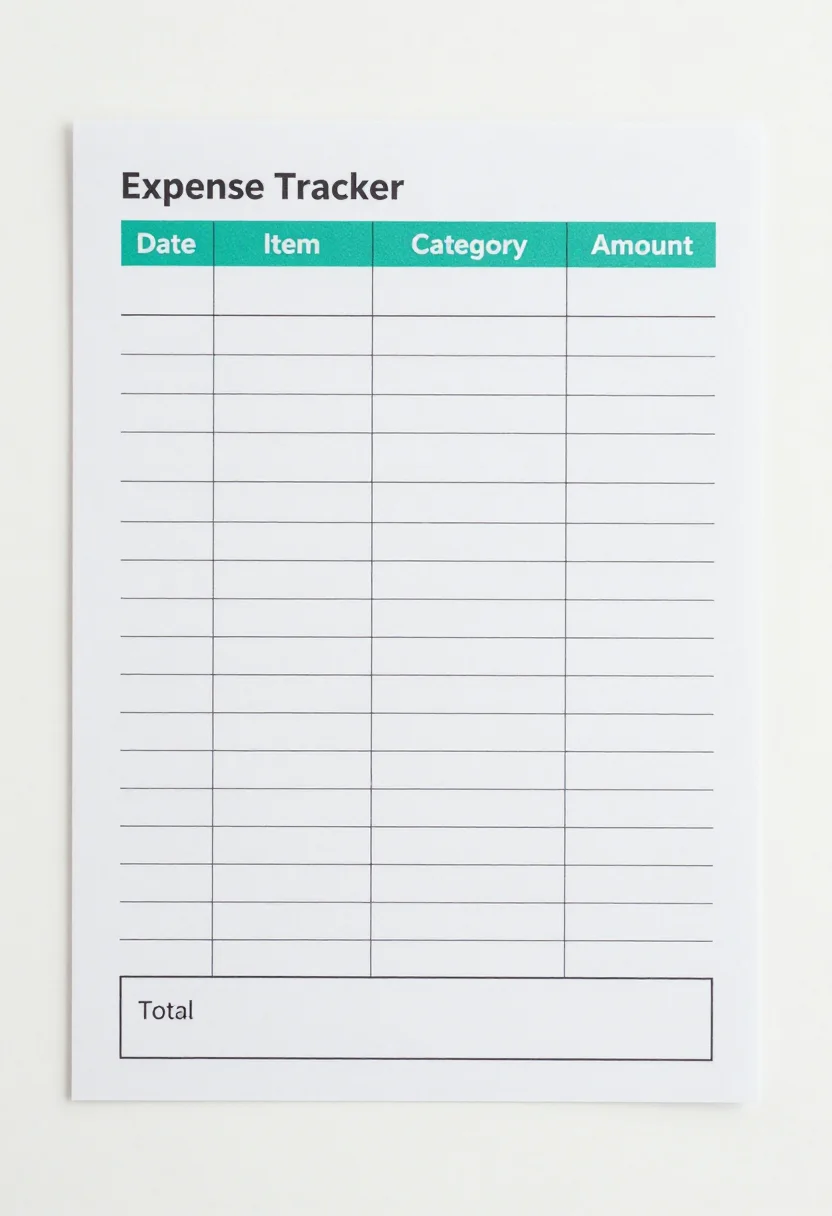
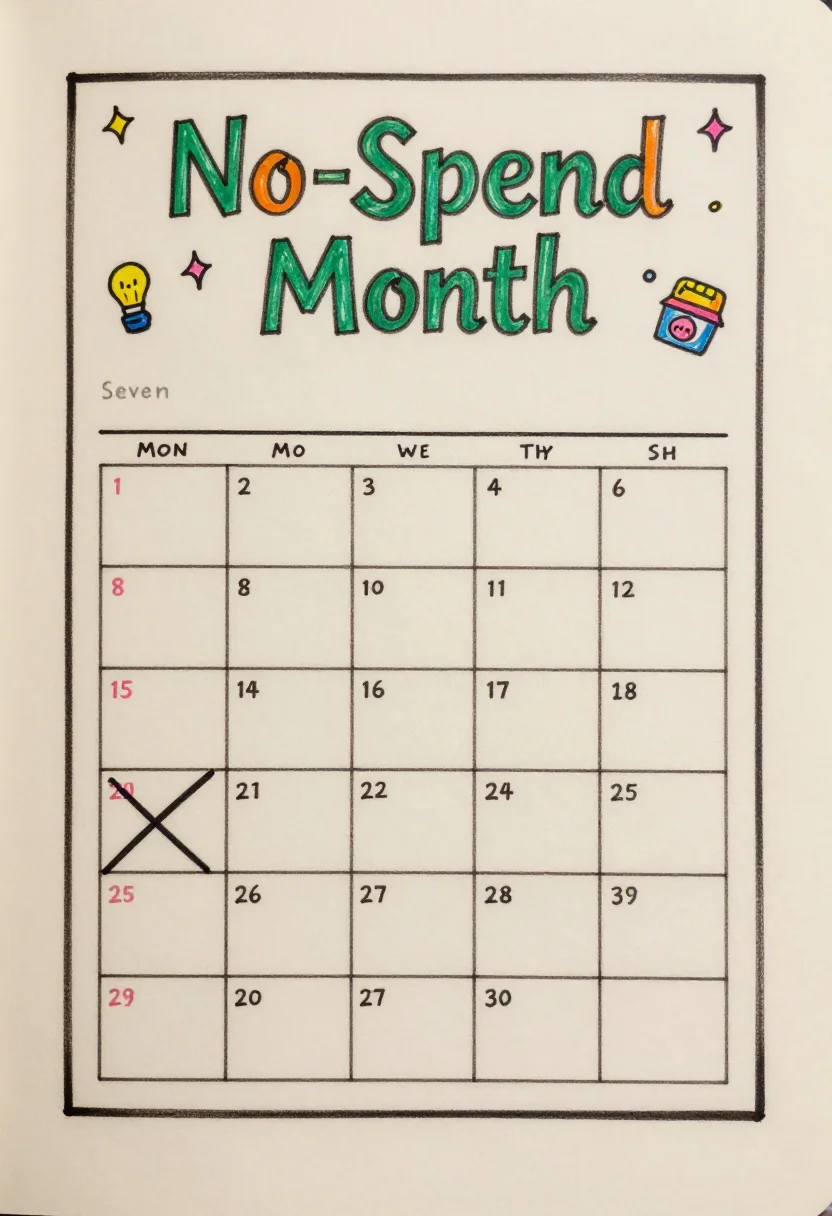
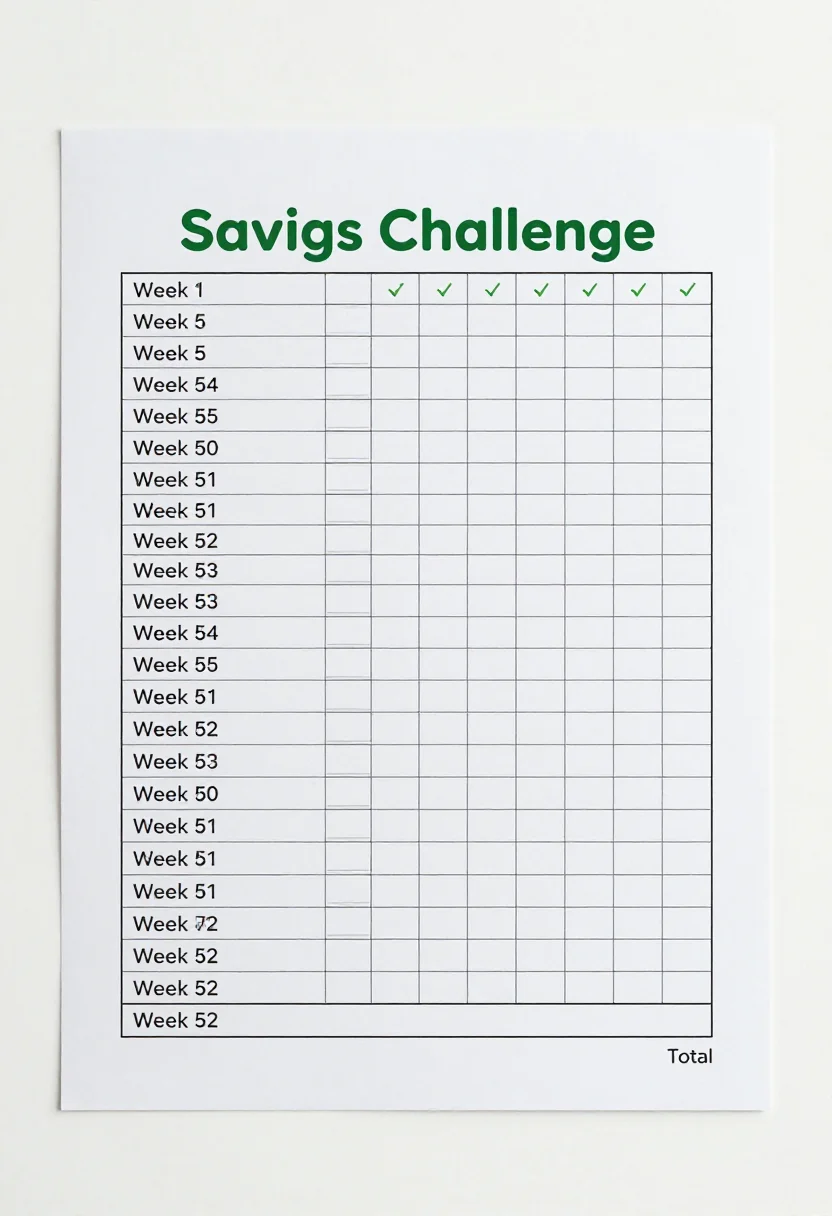
An expense tracker shows where your money goes, one purchase at a time. These nine pages cover three ways to see it: a daily spending log with twenty ruled rows, a monthly budget with an income box and six spending categories, and a no-spend month calendar of 31 days to cross out. Everything is left blank for you to fill in. Type a direction, such as student budget, and the pages follow it.
- a student's monthly budget
- a weekly check on spending
- a no-spend challenge for one month
- a shared family budget
Frequently asked questions
- What categories does the budget page show?
- Rent, food, transport, bills, fun and savings, each with planned and actual columns left blank.
- What is the difference between the three styles?
- Clean minimal has thin black lines and a crisp sans-serif title. Soft pastel uses rounded boxes in muted pastels. Hand-drawn has wobbly marker outlines and a bubbly heading.
- Can I change the subject?
- Yes. Type a direction such as family budget or weekly. A direction is a request, not a guaranteed result.
About toile
This page is a showcase and a starting point: nine samples already rendered, three readings of the pack crossed with three styles, each shown at the size and ratio it was made for. Take any of them further on the wall with a few words, or ask for all nine again under your own direction; a sign-in keeps what you make, and it is free while Toile is new. The recipe behind each sample — the subject, the style, the palette, the framing — travels with the image rather than staying private to the render: it is in the alt text of every sample and in the page's own structured data, so a search engine reads the same handles a person would.